 RotorLab
Your custom heavy-lift rig is a real aircraft now, and the production, the insurer, and the studio safety officer all want its airworthiness story before it flies over a set. RotorLab gives a fleet of exactly one the same machinery a manufacturer gets: measured performance instead of a spec-sheet guess, a frozen design baseline, and a dossier with a verification code.
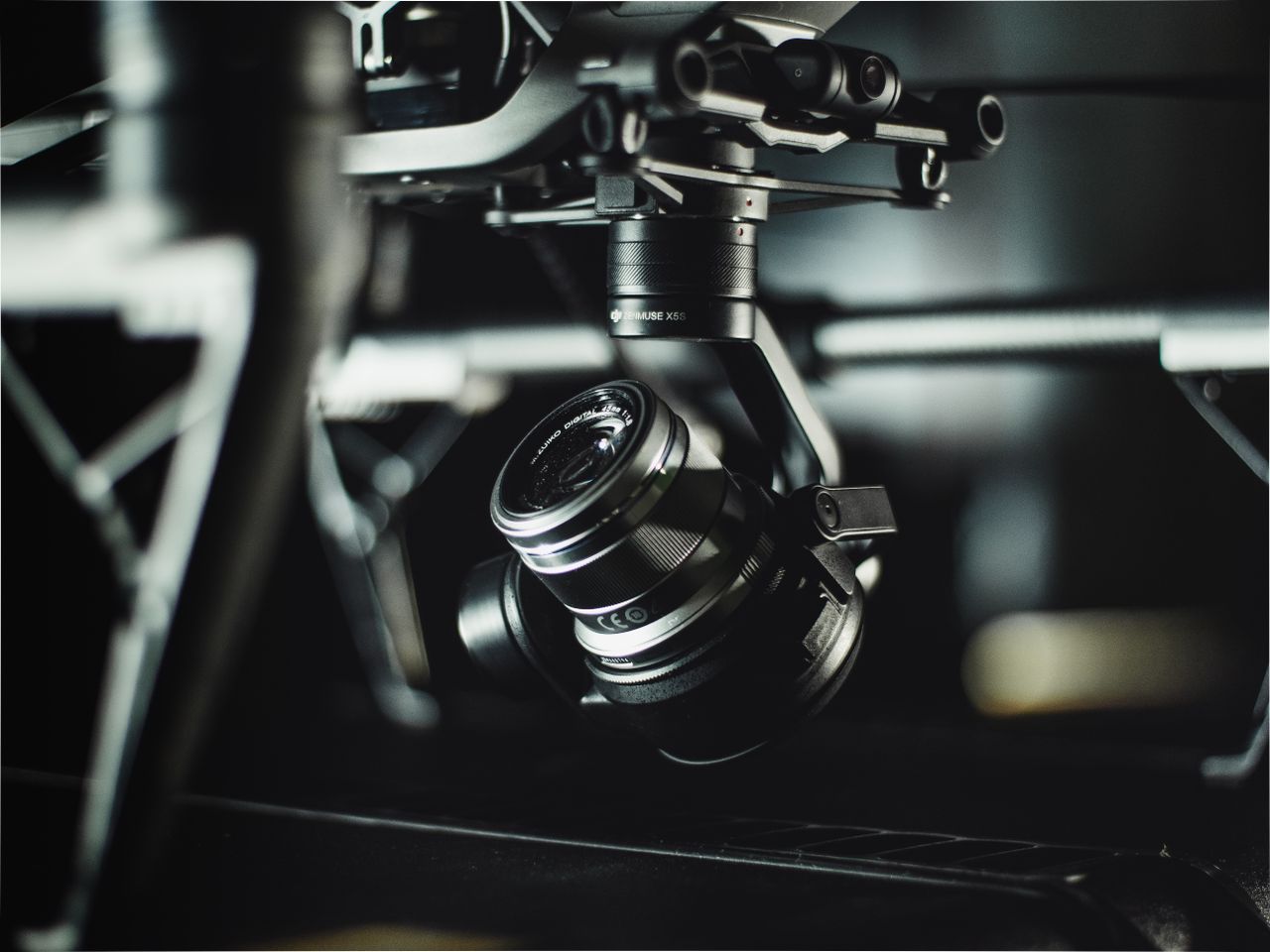
A custom camera rig is a one-off aircraft — and it can carry a one-off aircraft’s paperwork.
A one-off FPV rig, an aerial cinematography platform, a heavy-lift camera bird. There is no manufacturer paperwork behind it, so the qualification lands on you — and that is exactly what RotorLab hands back.
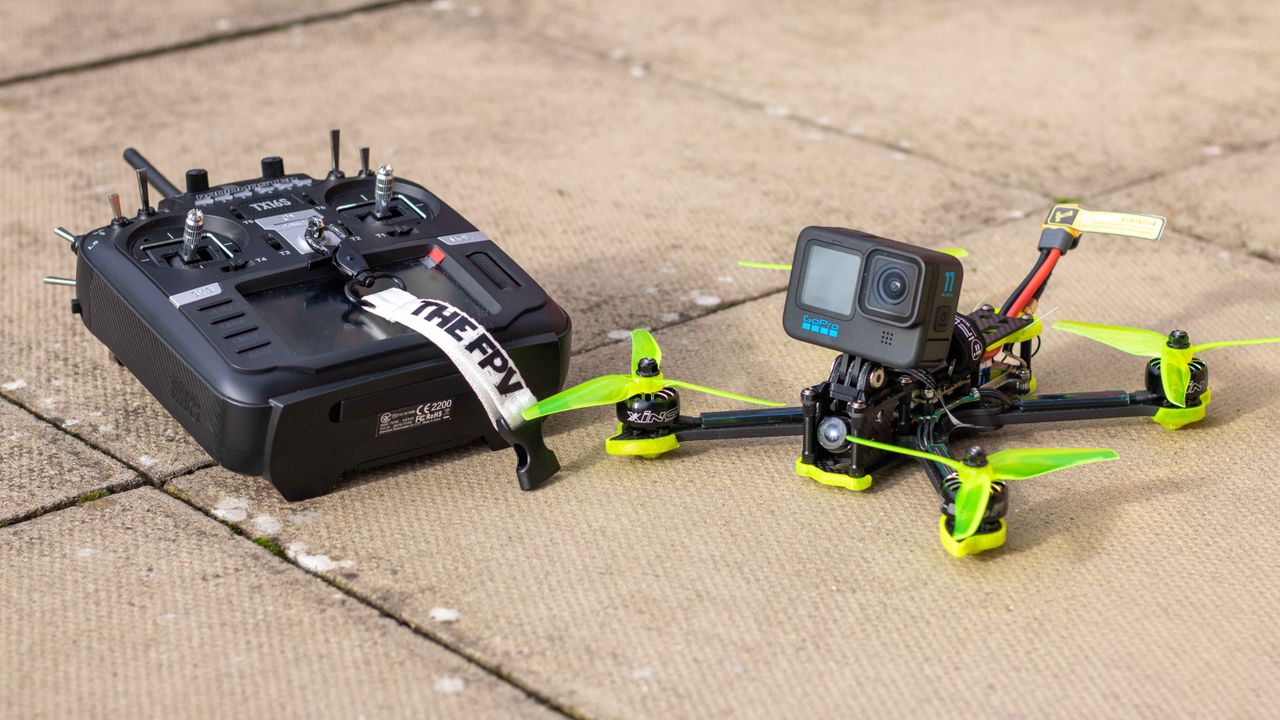

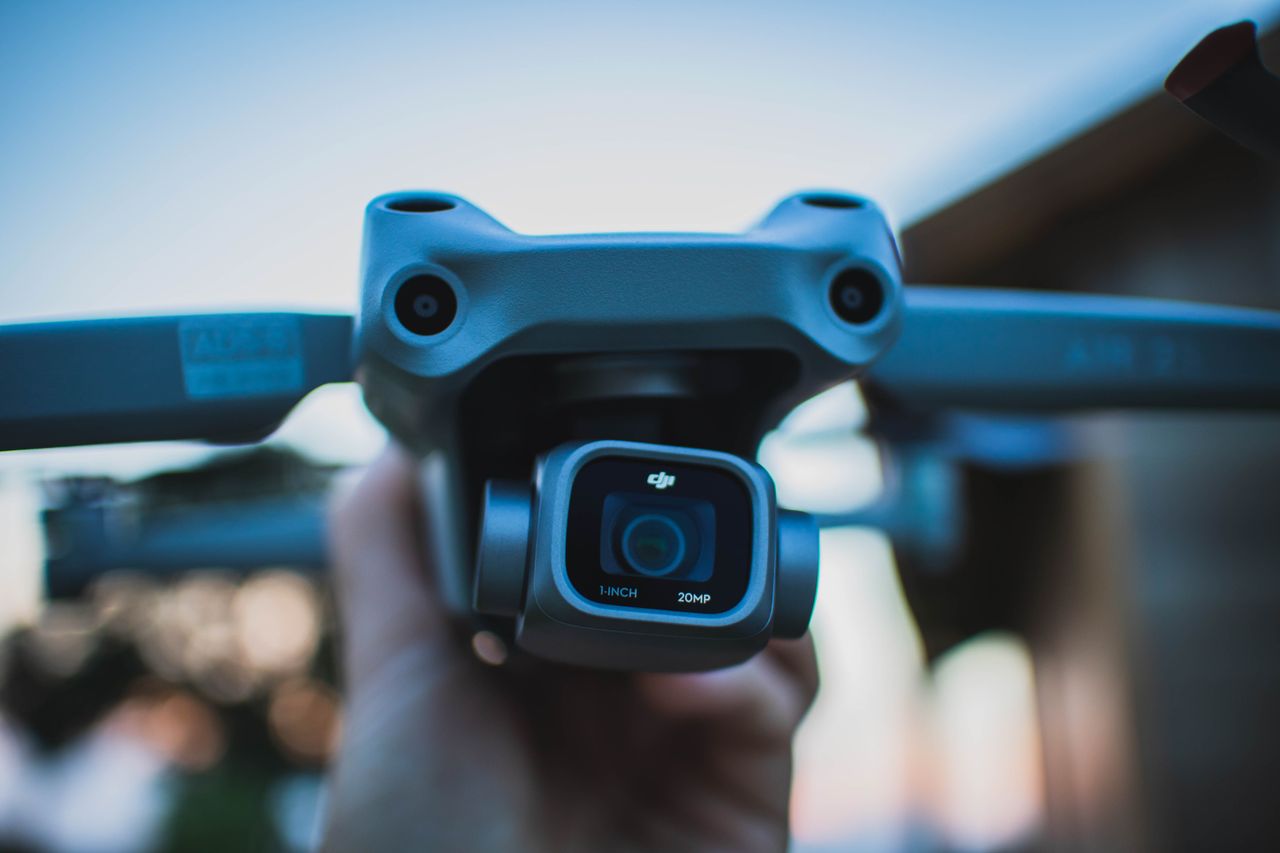
Build the rig in the Builder — motors, props, pack, payload. Thrust margin, hover time and power draw come from published, cross-checked equations, across sixteen airframe layouts including coax and X8 heavy lifters.
Fly a hover with your telemetry streaming and live calibration inverts the model: figure of merit and maximum thrust measured from your aircraft’s own data. The dossier’s numbers become the aircraft’s, not the catalog’s.
The finished design freezes as a type: parameters and approved performance, hashed at freeze time. One aircraft is enough — the configuration that got qualified is the one on record, and drift from it is visible.
Repairs, batteries and every flight keep landing on the same record, so the rig you qualified this season is still the rig on paper next season.
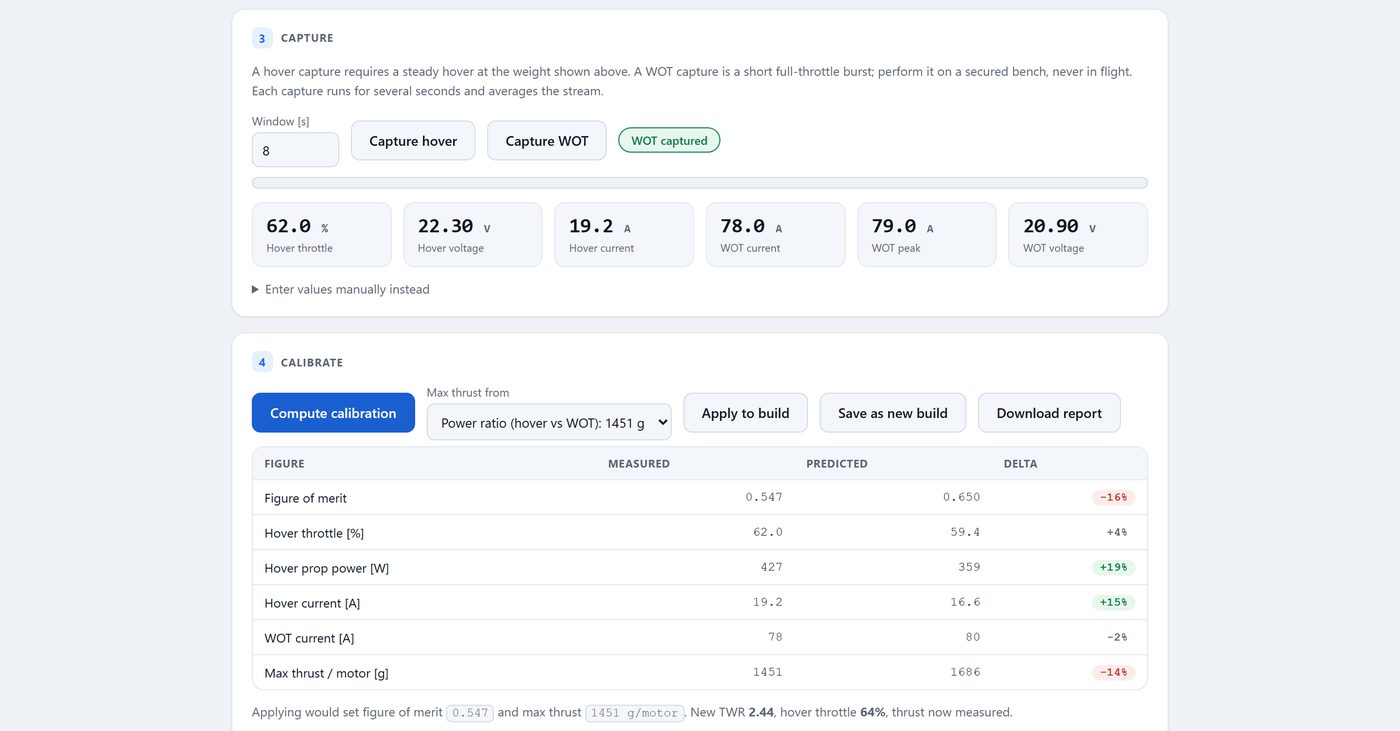
Live calibration: a hover measures your aircraft’s real figure of merit and max thrust, and the model becomes yours.
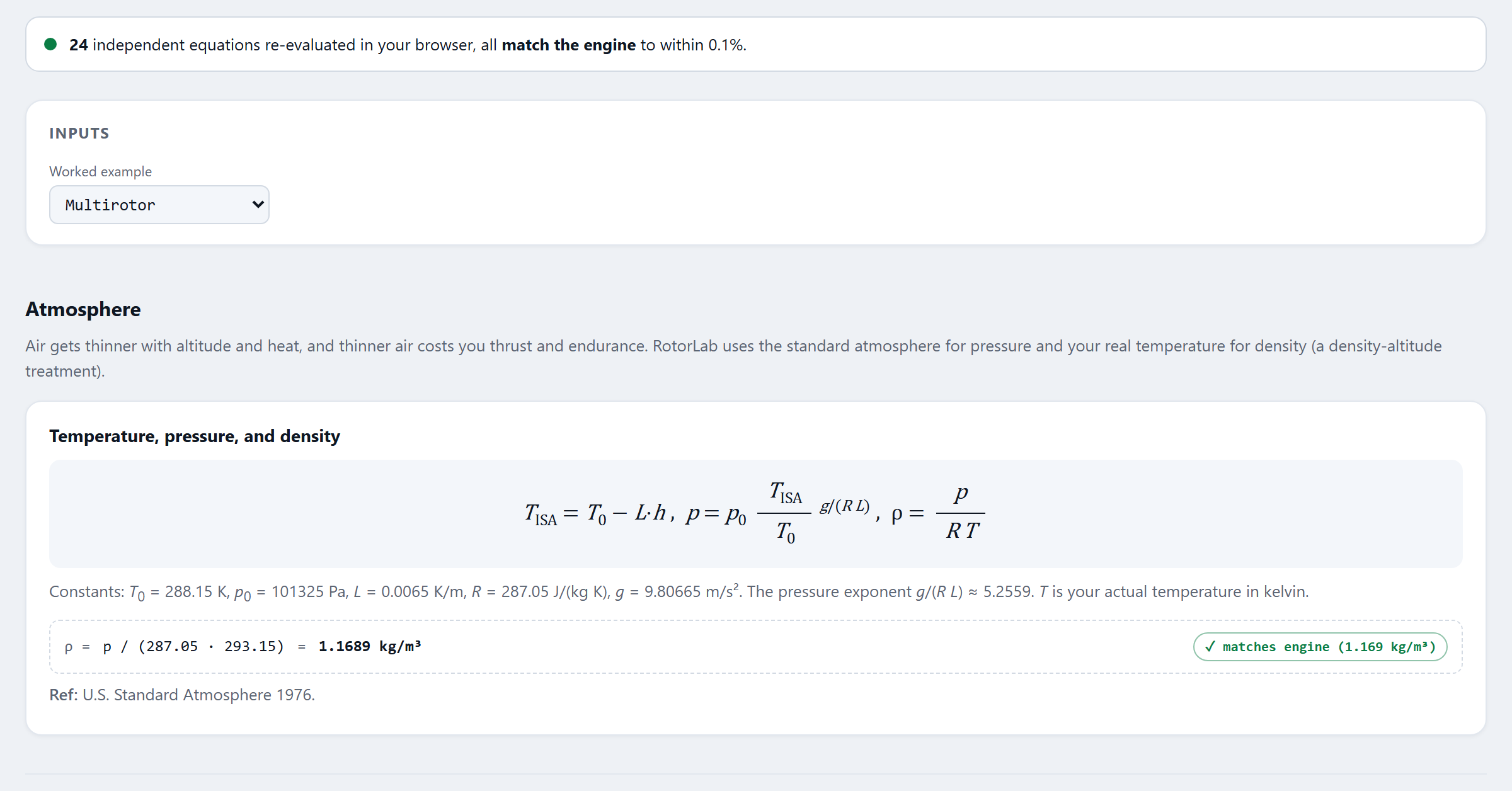
Anyone on the production side can re-run the physics behind your numbers. Nothing is taken on faith.
The airworthiness dossier renders with the baseline, the measured performance, the declaration matrix you signed, and a verification code anyone on the production side can check at rotorlab.app/verify. Your rig shows up to the shoot with its story already told.
Build your rig this afternoon, fly a calibration hover, and render a dossier before the next call sheet.
RotorLab documents your aircraft’s qualification; it does not issue airworthiness approvals. What it gives you is the evidence trail that makes your claim easy to accept.
Flight physics, fleet operations and what shipped — written for people who fly. No spam, unsubscribe in one click.