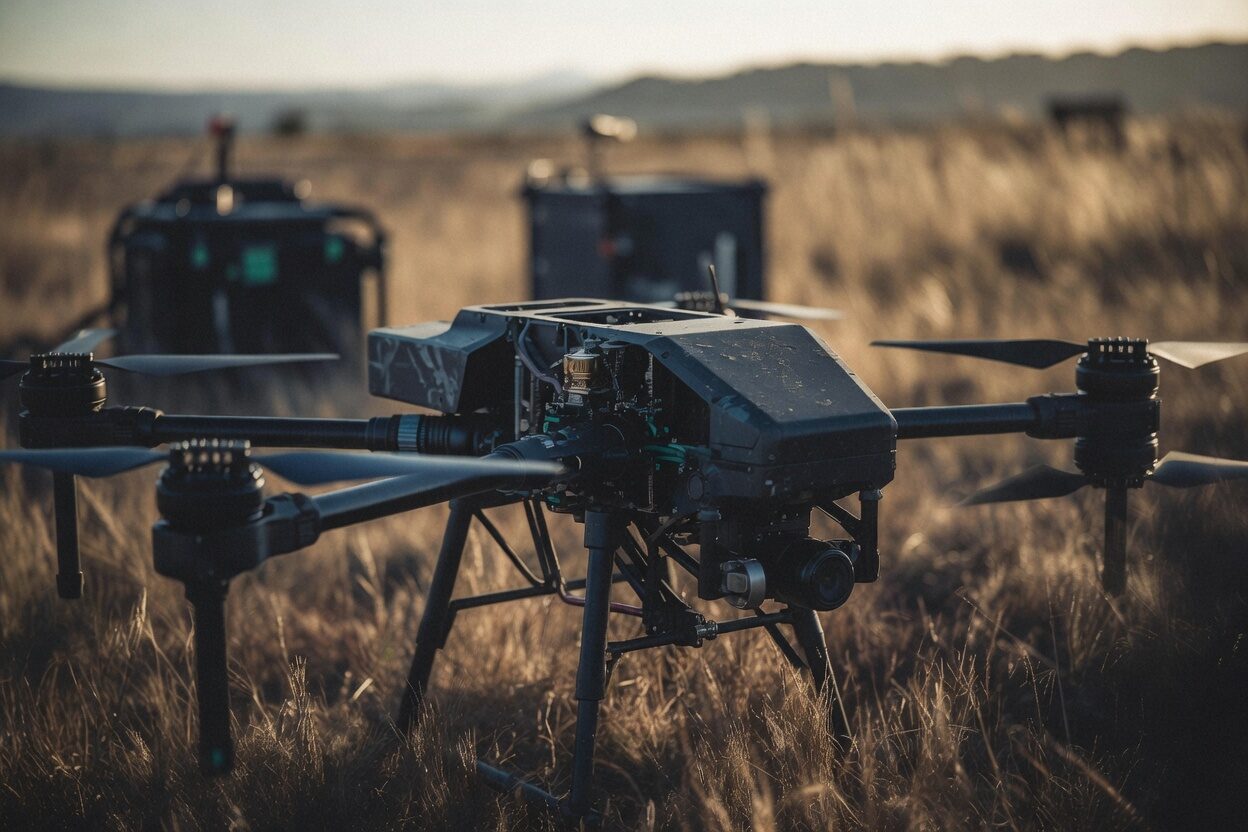
Every flight on the record.
The public page from the same records.
Police, fire and emergency-services drone programs answer to a council, a records request and the public as well as a regulator. File the flight once, with its call, position and outcome, and the transparency page, the occurrence clocks and the records-request package all read from that one record. Nothing is published until your agency publishes it.
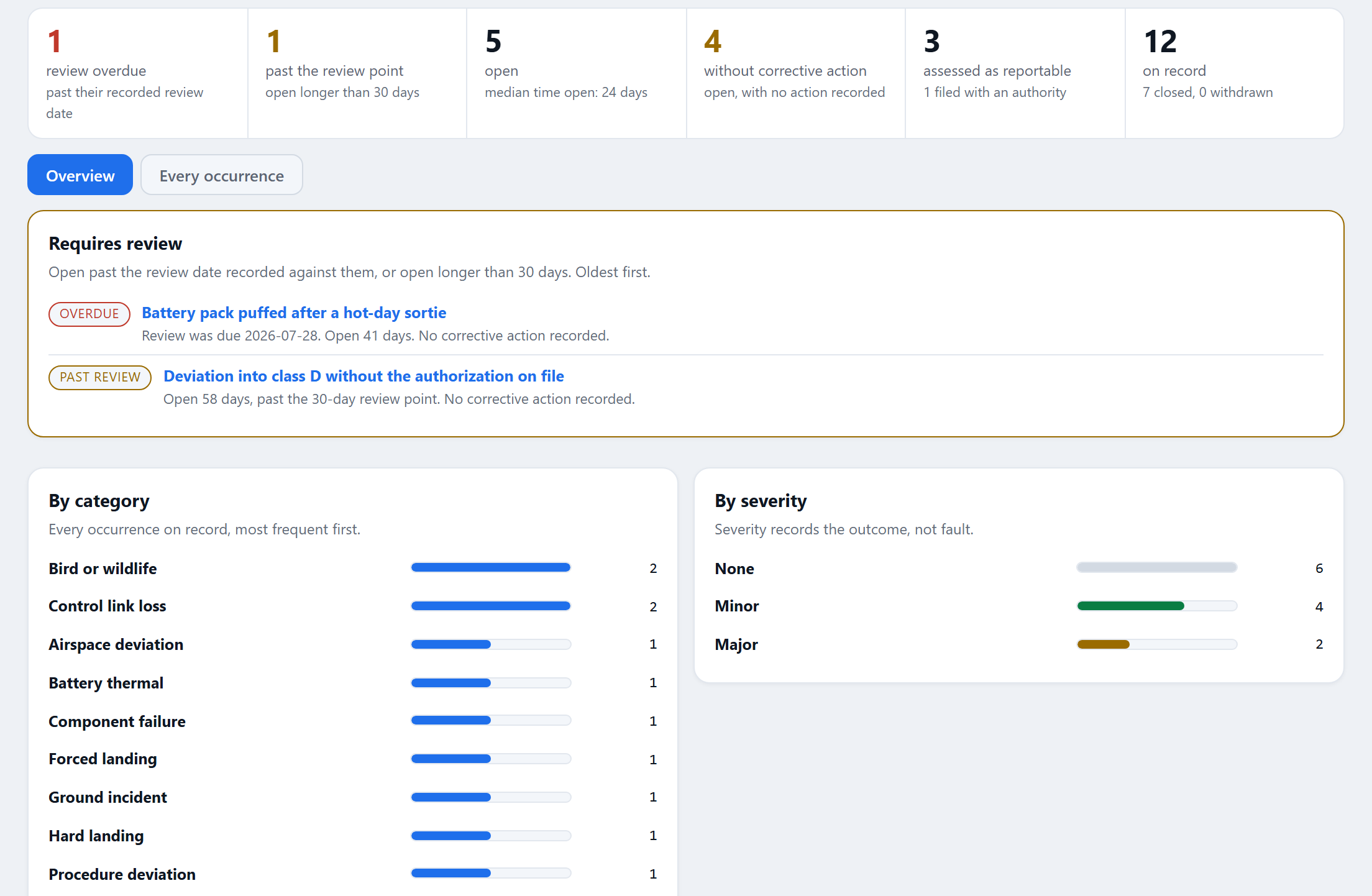
Occurrence reports with the reporting clock computed for you.
A public page your agency publishes, period by period.
With the Public Safety Ops add-on, each flight carries its call type, position and disposition, and your agency publishes a public page of its flights for a period from those records. Setting the page up is not publishing it: publishing stays a separate, deliberate step by an administrator.
Counted, not exposed
Sensitive call types such as medical calls, missing persons and warrant service are counted rather than listed unless your agency chooses otherwise, and an area is shown only where enough listed flights share it. The page says how many flights an administrator designated as outside public reporting and how many were voided; the reasons stay in your records, shown to the administrator in the preview before publishing.
Precise coordinates, kept as you decide
Flight positions are encrypted at rest. Your agency sets how precisely areas are shown in public and how long precise coordinates are kept.
Corrections on the record
A page needs a public contact before it can be published. Requests for a correction, a challenge or a takedown are logged with a decision and its reason, and the page states your policy, authorizations and approval.
A records request, answered as one package.
Request, package, release copy
Record the request number, when it was received and when it is due, produce the package for the period and scope asked for, list what was withheld and under which exemption, and hand over a readable release copy. Everything handed out is listed on the Audit page.
Legal holds by matter
Place a legal hold for a matter and the flights under it are preserved until it is lifted. Records custody is a permission you give to a role: it places holds, sets how long records are kept and produces packages, without the right to file or edit a record.
An Auditor who changes nothing
The built-in Auditor role reads every area except billing and changes nothing, so a review board or an insurer reads the program without a login that can alter it. Every document issued carries a code anyone can check at rotorlab.app/verify.
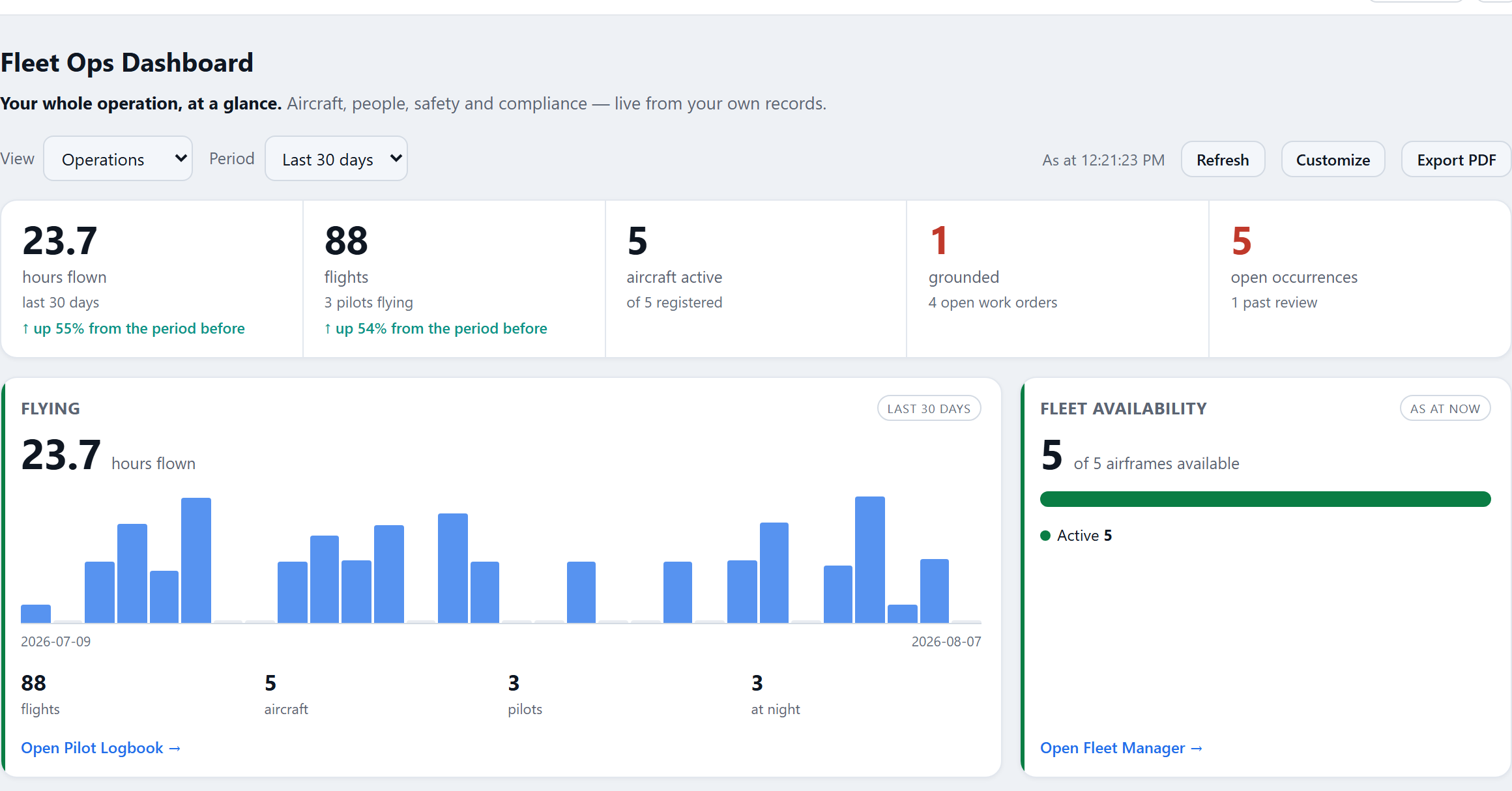
The Fleet Ops dashboard: today’s actions first, the trends underneath.
Occurrences on the clock
Determine an occurrence’s category and each duty it carries gets its own clock: an immediate notice where one is owed, and the written report. Record each filing as it is made, and anything overdue rises to the top of the board.
Annual, on a purchase order, with an invoice finance can pay.
Where checkout offers it, choose Pay by purchase order. Access opens when RotorLab approves the order, and the invoice is issued then with its number, service period, due date, payment terms and your purchase order number. A plan on a purchase order is invoiced again before each period ends until you cancel, and an invoice adds no tax when your billing details carry a tax exemption certificate.
Agency and DFR program plans are priced per program and billed annually: ask for a quote with your aircraft and people, and say whether you pay by purchase order.
A volunteer search-and-rescue team or another nonprofit can say so on the quote form.
What RotorLab does not claim.
RotorLab holds no CJIS authorization today, and no FedRAMP or GovRAMP authorization. It records your program; it does not decide whether a flight goes, and no score grounds an aircraft. The trust page says what we do and do not hold, for a procurement checklist.
Your program can show the public what it flew.
Start with one flight filed with its call. The public page, the clocks and the package read from there.
What this page needs: flight records and the Log Analyzer come with every plan. The call fields and the public page need Public Safety Ops, and occurrence records with their clocks come with Authorizations & Insurance, or with Occurrence recording where a plan includes it. Public Safety Ops and Authorizations & Insurance are both on during the 14-day trial, for up to 5 people and 3 registered aircraft. Prices are above and on the pricing page.