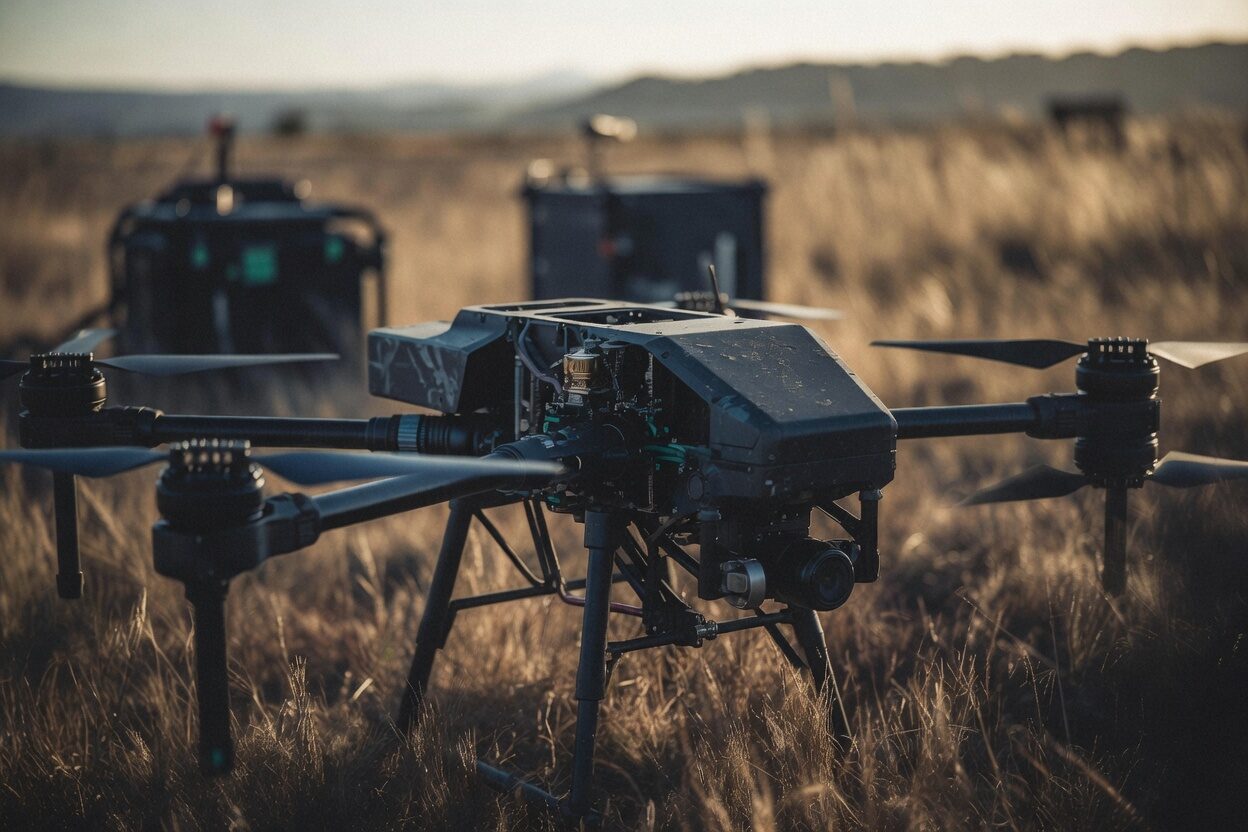
Every flight lands on the aircraft that flew it.
Drop a day's logs or let the ground station file them. Aircraft, date, duration and track are read from each log, you add the pilot and what a log cannot know, and every flight is on the record exactly once.
Read the full guide in the docs →
A flight record nobody has to type.
Used by pilots, chief pilots and operations managers.
No retyping what the aircraft recorded.
The log already knows the aircraft, the times and the track. People add only what a log cannot know.
A logbook nobody has to keep.
Each pilot's hours and currency come from the flights filed against them.
Years of history in one import.
Bring an old archive in at once and see it on the right aircraft.
One flight, its own record.
- Findings: read from the flight's own log.
- The log file: kept with the flight, and replayable.
- Standing: what the records said about the aircraft, the pilot and the authorization on the day it flew.
Inside flight records


From the log to the record.
Each step reads from the one before it, so nothing is typed twice.
Drop the logs
Any number at once, or filed straight from RotorLab GC.
Check what each log knows
Aircraft, times and track are read from the file before anything is filed.
Fill in the rest
Pilot, crew, purpose, site, job and battery packs, in place.
File them
One press files every ticked flight. The record says what it says.
Every format, every pilot, once.
The detail behind flight records, as it works today.
Reads what you fly.
ArduPilot, PX4, Betaflight and INAV, DJI flight records, Parrot, GUTMA, Litchi and Airdata CSV.
No duplicates.
A log already on the record is recognized and not filed again.
Bulk import.
Up to 5,000 logs in one import, from a zip, a folder or many files.
Said, never blocked.
A flight on a grounded aircraft or by a lapsed pilot is filed with a mark and a reason, not refused.
Who flew it.
An organization admin, or a role that manages members, files for any pilot; everyone else files their own flights.
File from the field.
RotorLab GC files the flight with its log when the aircraft lands.
What it reads and what it keeps.
Stated plainly, so it can be checked.
| Formats | ArduPilot .bin and .log, MAVLink .tlog, PX4 .ulg, Betaflight and INAV blackbox, DJI .txt, Parrot and GUTMA .json, Litchi and Airdata CSV. |
|---|---|
| Encrypted DJI | Records from current DJI apps are encrypted by DJI, and are read only when an organization admin switches DJI log reading on. It is off by default. |
| Storage | The log file is kept with its flight record. An uploaded log left unfiled for a day is discarded; one from a history import waits 30 days. |
| Import | Up to 5,000 logs, or a zip of up to 512 MB, per import. Archives inside archives are refused. |
| API | Ground stations file through the REST API with device credentials. Filing a flight is never metered. |
Put your program on the record.
Talk to us about your fleet, or start a trial and file your first flight today.